Free 20 Clips Video Templates By CapCut
Create eye-catching video compilations with the 20 clips video feature, perfect for marketers, educators, and social media enthusiasts. Seamlessly merge up to 20 video clips, add effects, and customize transitions for a professional finish. CapCut - AI Tools simplifies video production, making it accessible for users of all skill levels. Whether you’re building promotional content, educational material, or personal montages, this tool saves time and enhances creativity. Boost your content engagement and impress your audience with polished video montages using the intuitive 20 clips video editor.
More Templates


Street Style Ending Video

Video Reaction YouTube Thumbnail

Youtube Thumbnail Reaction Video

Ring Tie clips display MInimalist

Youtube Thumbnail - Most Shocking Video

Viral Video Reaction Youtube Thumbnail
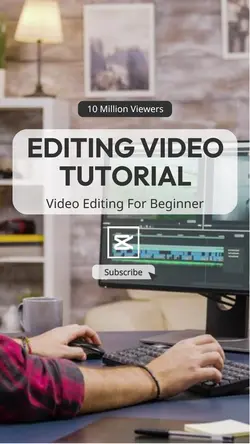
Editing Video Tutorial Youtube Thumbnail

Entertainment Video platform Forecast Cute

Entertainment Online video platform Display Dark

Lyric Video Cover YouTube Thumbnail - Reaction

Finance Video YouTube Thumbnail - Learning

Skincare Routine Video Thumbnail - Vlog

How To Video YouTube Thumbnail - Learning

Business Video Editing Online Course Ads

Business Hiring Video Editor Instagram Post

Auto parts Video Publicity Simple

Non-marketing Youtube Endscreen Girls Vlog Video

Dressing Rules Video Thumbnail - Vlog

Jewelry Tie clips display MInimalist

Learning Video Youtube Thumbnail Simple Elegant
About 20 clips video
Create eye-catching video compilations with the 20 clips video feature, perfect for marketers, educators, and social media enthusiasts. Seamlessly merge up to 20 video clips, add effects, and customize transitions for a professional finish. CapCut - AI Tools simplifies video production, making it accessible for users of all skill levels. Whether you’re building promotional content, educational material, or personal montages, this tool saves time and enhances creativity. Boost your content engagement and impress your audience with polished video montages using the intuitive 20 clips video editor.