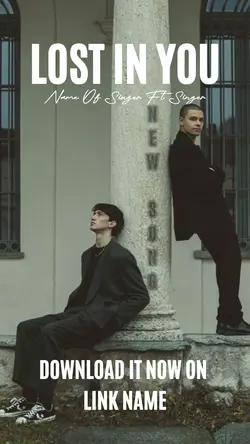
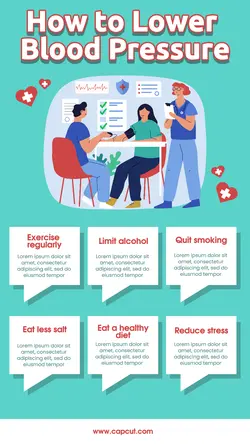
Free Lower Thirds In Premiere Templates By CapCut
Unlock the power of lower thirds in Premiere to elevate your video projects with professional titles and graphics. Lower thirds help emphasize key information, introduce speakers, and give your content a polished look. By using Premiere’s easy-to-customize templates or creating your own, you can match your branding, increase viewer engagement, and present information clearly. This guide covers the essential steps to add, edit, and animate lower thirds in Premiere, making it accessible for creators of all levels—from YouTubers and educators to business professionals. Learn best practices for selecting fonts, colors, and animations to ensure your lower thirds are both eye-catching and on-brand. Discover tips for quick integration, troubleshooting common challenges, and time-saving plugins that streamline your workflow. Whether you're producing interviews, tutorials, or corporate videos, mastering lower thirds in Premiere sets your content apart and ensures your message stands out.
More Templates