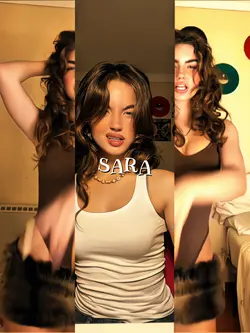
Free Velocity In CapCut Templates By CapCut
Discover how to master velocity in CapCut to create dynamic, engaging videos that capture attention. Learn to adjust video speed seamlessly, adding smooth slow-motion or fast-forward effects for enhanced storytelling. CapCut’s intuitive interface lets users control velocity and timing with ease, making it perfect for content creators, vloggers, and social media enthusiasts. Use CapCut’s velocity features for stunning transitions, rhythmic edits, and dramatic visual impact—all without complicated editing techniques. Whether you’re editing travel clips or creating viral social media posts, CapCut empowers you to boost creativity and professional quality. Explore free templates and advanced AI tools for velocity customization, ensuring each video stands out. Experience the benefits of efficient workflows and professional results in minutes. CapCut’s velocity editing delivers flexibility, precision, and eye-catching effects, meeting all your video production needs. Start optimizing velocity in CapCut today to grow your audience and enhance your video content.
More Templates