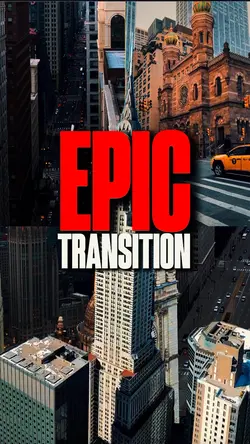
Free Slideshow Transitions Premiere Pro Templates By CapCut
Discover how to create stunning slideshow transitions in Premiere Pro to elevate your videos to the next level. With CapCut - AI Tools, seamlessly incorporate professional-grade transitions between your photos and clips, making your presentations more engaging and visually appealing. Ideal for video editors, content creators, and marketing professionals, our guide covers simple drag-and-drop methods and advanced customization features to help you achieve smooth, cinematic slideshow transitions in Premiere Pro. Learn how to customize transition durations, apply creative effects, and ensure a seamless flow throughout your video projects. Whether you are editing a business presentation, a wedding montage, or a travel vlog, mastering slideshow transitions in Premiere Pro can transform your storytelling and captivate your audience. Start creating visually impressive slideshows today and make every frame stand out with easy-to-use tools and expert tips, exclusively on CapCut - AI Tools.
More Templates