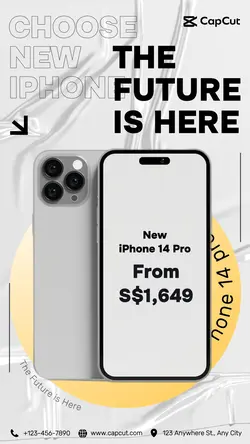
Free Iphone Portrait Mode Templates By CapCut
iPhone Portrait Mode empowers users to take professional-quality photos effortlessly. With advanced depth control and artistic background blur, you can highlight your subject and transform everyday moments into masterpieces. Perfect for photography enthusiasts, influencers, and families wanting exceptional images. Discover how Portrait Mode adapts to diverse lighting conditions and offers multiple effects—from natural to studio lighting—for creative flexibility. Whether you're shooting selfies, portraits, or group shots, iPhone Portrait Mode makes it simple to achieve beautiful results without expensive equipment. Learn tips to optimize Portrait Mode and boost your photography skills, all while enjoying seamless integration with editing apps and sharing options. Elevate your photo experience and stand out on social media with vivid, sharp, and memorable images, thanks to iPhone Portrait Mode.
More Templates