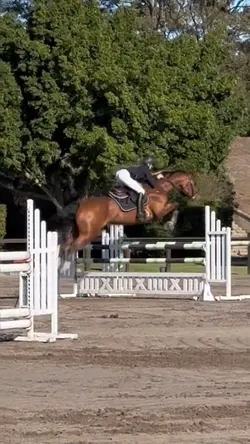
Free Final Cut Pro Slow Motion Templates By CapCut
Unlock the full potential of your video editing with Final Cut Pro slow motion. Learn how to create professional-grade slow motion effects that enhance every frame and captivate your audience. Final Cut Pro offers intuitive controls for adjusting playback speeds, frame blending, and retiming, ensuring your slow-motion clips are silky-smooth and visually stunning. Perfect for filmmakers, vloggers, and content creators, these slow-motion tools let you emphasize action, tell compelling stories, or highlight important moments with cinematic flair. Discover step-by-step guides and best practices to get started, plus tips on optimizing your workflow so you can bring creative slow-motion ideas to life without compromising video quality. Start mastering slow motion with Final Cut Pro and elevate your projects to the next level.
More Templates