Free 3D Special Effects Templates By CapCut
Create stunning videos with our 3D special effects templates. Customize professional AI effects in seconds and make your content stand out. Try CapCut for free!
More Templates



1.5M
3D wallpaper

610K
trái dưa thần 😍

154.4K
Crows effect 51
16.7K
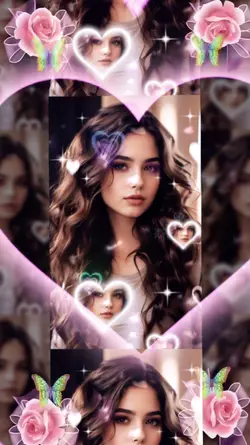
Pink heart
10.9K
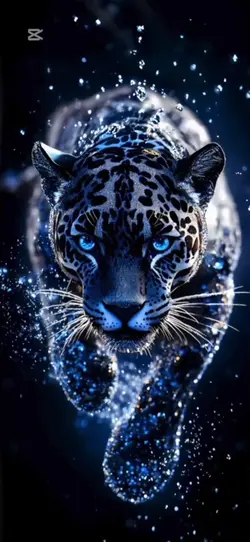
3d live wallpaper
7.2K
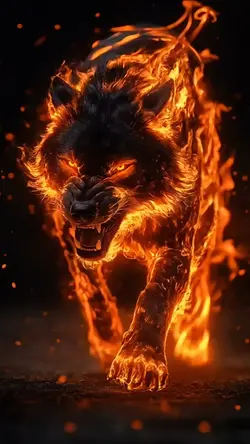
Wolf fire AI NEW

6.5K
3d wallpaper
5.2K
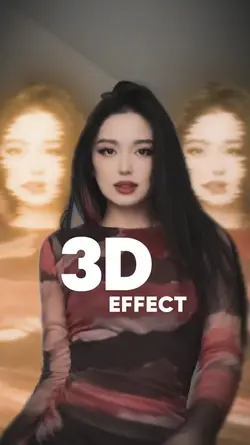
3D Effect
1
Hot Templates
Cutout Pro Photo MakerPhoto To Video Effect144P To 4K Quality90S AI Photo TrendAI TemplatesCamera TrackingColor Grading TemplateNew AiVideo Effects Free DownloadFace Blur Effect144P To 1080P TemplateAutomatic Thumbnail MakerCool Free AI Photo Edit 2027Alpha Effect Template144P To 4KComplete AI EffectFire EffectZoom EffectCard EffectLight EffectsMotion Trail EffectMotion Tracking EffectFace Swap EditorGlow EffectStar EffectChat Gpt Image Generation4K Filter144P To 1080PWave EffectCool Free AI Photo Editor 2027Ai Kung Fu Fried Rice Effect VideoVideo EffectsZoomoutNew Effect 2026Use AI Templates3D ZOOMEffects PackFree AI Without Payment Or Credit3D Zoom Effect TiktokEdit ReverseAura EditPicture Zoom In EffectVideo Sticker Remover OnlineAi Video Generator From ImageBackground BlurMotion Blur Effect144P To 4K Quality TemplateVfx DesignAI Filter New2026
About 3d special effects
Bring your videos to life with our incredible 3D special effects templates. These aren't just simple filters; they are professionally designed, dynamic visuals that add depth, excitement, and a cinematic quality to any project. Whether you're looking for mind-bending AI effects or other captivating visual enhancements, our library has you covered. Each template is built to be fully customizable, allowing you to fine-tune every detail to match your creative vision. You don't need to be a VFX artist to achieve stunning results. Simply choose a template, add your clips, and let CapCut's intuitive editor do the heavy lifting. Ready to elevate your content? Start browsing our collection and click to customize your next masterpiece.
Pick 3D special effects templates that match the source depth
The visible collection includes 3D Bass, several 3D wallpaper layouts, Gunfire Special Effects, a new 3D effect, overlay-based designs, an iPhone 3D trend, and superhero effects. 3D special effects templates depend on believable separation between subject, foreground, and background. A clean source matters more than the intensity of the preview.
Give the effect clear layers to work with
Choose a portrait or object with a strong outline and visible space around it. Backgrounds with a different color or brightness are easier to separate. Fine hair, transparent fabric, motion blur, and overlapping people may create broken edges when the scene begins to move. Wallpaper layouts also need a composition that still works after vertical or screen-shaped cropping.
Connect the 3D movement to a real action
Use bass, gunfire, or superhero effects at a clear beat, impact, gesture, or reveal. Align the strongest movement with that cue and inspect the frames immediately around it. An overlay that arrives before the action or remains after the subject has left will look detached. Keep other effects quieter so the viewer can follow the intended depth change.
Preview the entire transformation, not only the most dramatic frame. Check faces, hands, object edges, background warping, and the return to normal footage. If the effect changes the subject in an unwanted way, replace the source or choose a simpler template. Depth should make the moment clearer, not turn the subject into an unstable cutout.
FAQs
Q: What source image gives a 3D wallpaper effect clear depth?
A: Use a sharp subject with a distinct outline, visible background, and spare room around important edges. Foreground and background should differ in color or brightness. Avoid tightly cropped faces and overlapping people when possible.
Q: Why do hair and hands break during a 3D transformation?
A: Fine strands, finger gaps, motion blur, and similar background colors make separation difficult. Inspect the full animation, not one still. A simpler background or a slower, cleaner source often produces more stable boundaries.
Q: How should I time the 3D Bass effect?
A: Place the strongest depth movement on a clear bass hit or visible action. Check the lead-in so the change does not arrive early. Leave enough time afterward for the image to settle before the next cut.
Q: What makes a gunfire 3D overlay feel disconnected?
A: It can miss the action cue, drift away from the intended point, or remain visible after the shot changes. Align it with the exact gesture or impact and inspect surrounding frames. Keep enough context for the viewer to understand the effect.
Q: How do I prepare a portrait for an iPhone 3D trend layout?
A: Use a vertical-friendly composition and keep the face, hands, and clothing away from screen edges. Check any phone-shaped or wallpaper crop in the selected template. Small interface-like frames can remove details that looked safe in the original.
Q: Can several 3D effects be stacked in one short clip?
A: Only when each layer has a distinct job and the subject remains readable. Multiple wallpapers, overlays, bass pulses, and flashes can compete. Start with one leading depth effect, then add support only if it improves the action.
Q: What should I inspect where the 3D effect returns to normal footage?
A: Look for a sudden crop jump, color mismatch, broken outline, or background shift. The exit should return attention to the same subject. If the transition feels like a different image, adjust the source framing or select another template.