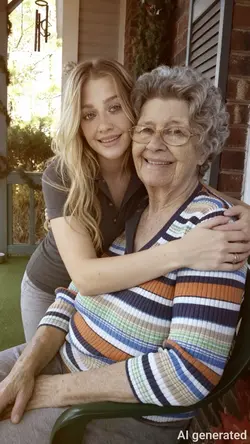
Free Joining Two Photos Templates By CapCut
Discover how to join two photos seamlessly with advanced online tools. Whether you want to merge family pictures, create stunning before-and-after comparisons, or design captivating visuals for social media, our platform makes photo joining simple and accessible. Utilize intuitive drag-and-drop features and smart alignment options to ensure your images come together with perfect clarity and style. Joining pictures online saves time and boosts creativity for users ranging from photographers to casual hobbyists. No software installation is required—just upload, arrange, and download your combined photo in seconds. Experience precision merging, adjustable layouts, and high-resolution output for flawless results every time. Share joined images on Instagram, Facebook, or keep them for personal albums. Enhance your photo editing workflow with CapCut’s AI-powered tools, tailored for efficiency and innovation.
More Templates