홈ResourceHow to Make Instagram Highlights That Boost Your Profile How to Make Instagram Highlights That Boost Your Profile
*No credit card required
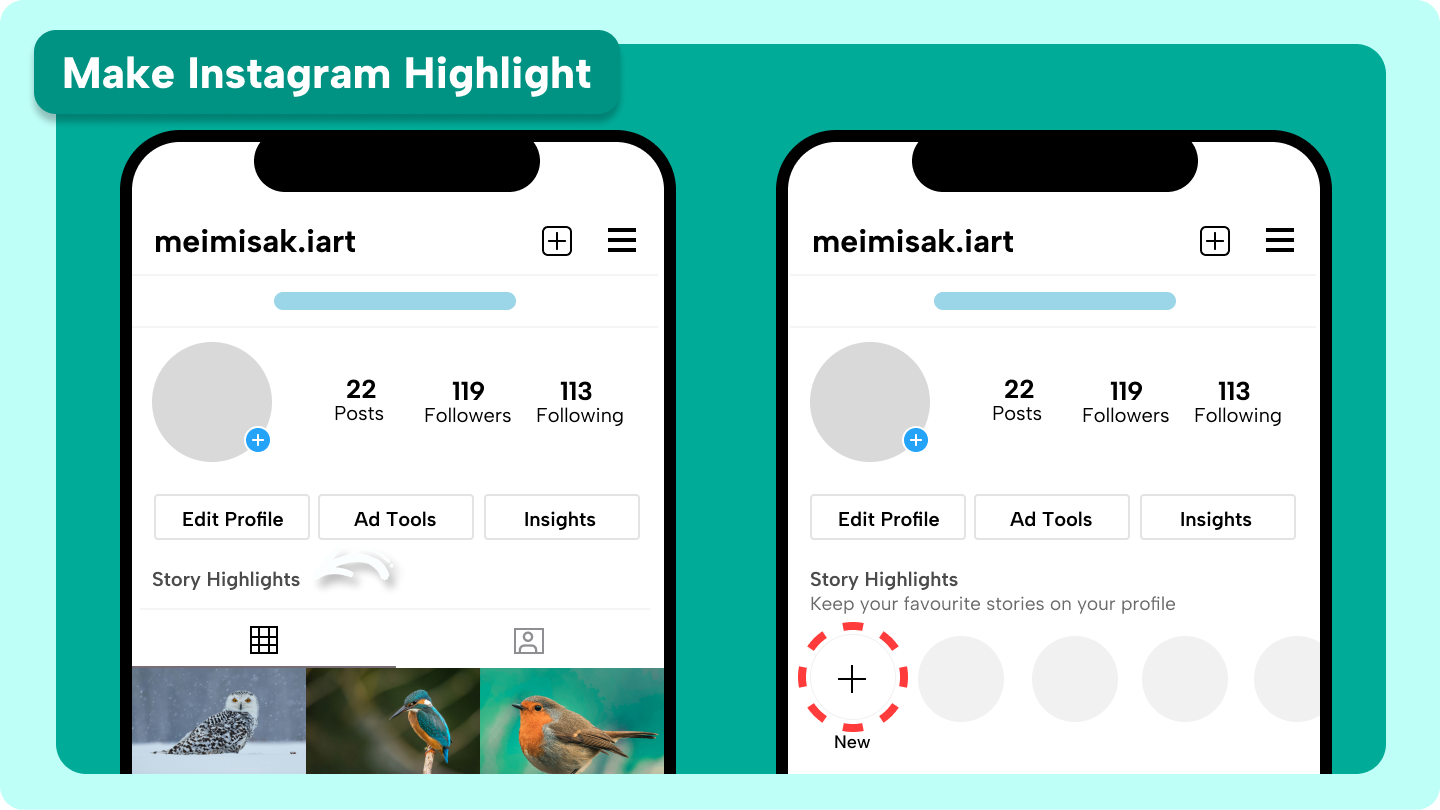
What are Instagram Highlights and why use them?
STEP 1- Go to your Instagram profile
STEP 2- Tap the "+" button under highlights
STEP 3- Select stories to add
STEP 4- Name and customize your highlight
STEP 1- Go to your Instagram profile
STEP 2- Access the Highlight
STEP 3- Tap "Stories" and choose from your archive
STEP 4- Tap "Done" to save the changes
STEP 1- Access CapCut Web and start a new project
STEP 2- Add backgrounds, icons, and text
STEP 3- Arrange and center your design elements
STEP 4- Export and download your custom cover
STEP 1- Enter text or generate with AI
STEP 2- Generate relevant AI media
STEP 3- Edit more and export the video
Best practices to make your Instagram Highlights stand out
1- How do I make a highlight on Instagram without posting a story?
2- How to create highlights on Instagram with private stories?
3- How many stories can I add to an Instagram highlight?


