Free Portrait Mode Samsung Templates By CapCut
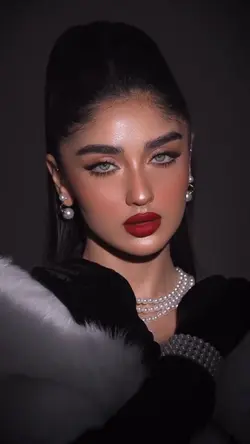
Explore the advanced capabilities of Portrait Mode on Samsung devices and elevate your mobile photography. Portrait mode allows users to create stunning background blur (bokeh) effects, focusing attention on the subject and producing professional-looking portraits with ease. Whether you're capturing selfies, group photos, or artistic shots, Samsung’s portrait mode delivers sharp details and vibrant colors in every image. Compatible across the latest Samsung Galaxy models, this feature is ideal for photography enthusiasts, social media users, and anyone seeking quality results using their smartphone. Experience intuitive controls, customizable effects, and instant processing that make portrait photography convenient and enjoyable. Learn how to optimize your camera settings, edit images, and share beautiful portraits right from your device. Unleash your creativity and make every memory unforgettable with Samsung’s innovative camera technology.
More Templates